Tuesday, 1 November 2016

Thursday, 8 September 2016
Variables

var basically means variable. As you learnt in maths a variable holds a number. In this instance a var could hold an int, (A number with no decimal place) bool, (Basically true or false) string,(Basically words/letters) float, (A number with a decimal) double (64-bit floating point, a little complex for this level). Private means that the variable cannot be accessed by other scripts. Public is vice-versa.
example :
private var int theVariableName = 10;
public var bool theVariableName = false;
public var string theVariableName = "Hi I am a variable";
private var float theVariableName = 7.2f;
When declaring a float the value needs to have an "f" after the number.
Keep Making Games

I have been playing games for a long time, ever since I was around 10 years old, and I have always been fascinated how everything worked on the screen. I would always think about making a game, all the time trying to understand how. Until I found many tutorials. It was really confusing at first, but I eventually got the hang of it. I started "attempting" to make games when I was around 12-13 years old, I know surprising. This just shows how simple it is, since I wasn't the brightest student and I can still make games.
Multiplayer Game

The controls are :
Q & E to teleport forward and backwards.
LMB (Left Mouse Button) to shoot.
W, A, S and D to walk around.
Take note that this game is a prototype, I was experimenting with Unity's multiplayer functions.
All credit goes to GTGD.
Tuesday, 6 September 2016
Where to learn how to code in C#
There are many tutorials on Youtube and the internet on how to make games and code, but here are some of my favorites.
Gamer To Game Developer
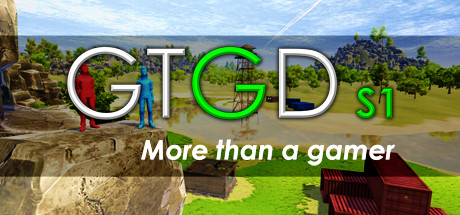
An Australian Youtuber, who does tutorials on how to make games in Unity. He is known for his GTGD tutorial videos on how to make a multiplayer first person shooter (FPS) in Unity. You can follow his tutorials on his Youtube or buy his GTGD tutorial series off Steam.
Brackeys

A Danish Youtuber, who does a wide variety of tutorials and has also made a multiplayer first person shooter tutorial series for Unity. You can follow him on Youtube at Brackeys.
Extra Credits
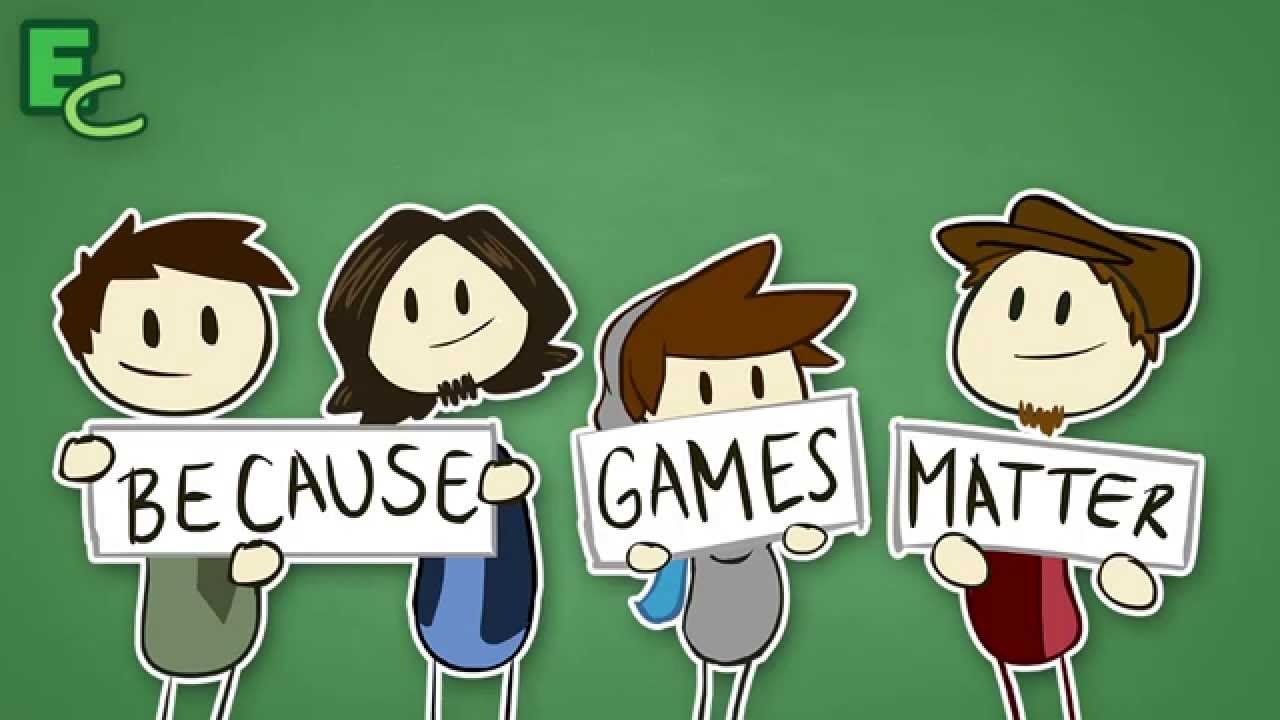
Extra Credits is a Youtube channel created by Daniel Floyd and James Portnow. It is a game studies channel, to help us get more information on games as a whole instead of teaching us how to make them.
SpeedTutor

A sole Youtuber dedicated to creating tutorials in Unity. He has created many great tutorials and has a series on how to make a survival game that he is currently working on. His Youtube channel can be found here.
Let's talk about making games

Making games is a lot of hard work and requires determination and interest. Don't expect to make a AAA title like Call Of Duty or Battlefield in a couple of days, by yourself. Those kinds of games take years to make, with huge teams up to a 100 people. Being an indie game developer, we cannot compete with large companies making huge games, but we can make "different" creative games. We are only limited by ourselves, which can be broken through.
Beautiful games such as Ori and the Blind Forest have been made by small teams of people. Don't expect to be the best from making one game, it takes time and hard work.

Assets and tools for game development

Every game is composed of thousands of lines of code to do specific jobs, such as render all the geometry or make the character move. Luckily for the newer generation of coders and game developers there are many tools and open source scripts out there for us to use, making it easier to work.
The Unity asset store is a great place to find already made projects to play around with and tools for many different uses.
Subscribe to:
Comments (Atom)